
Your IPTV Subscription Works on Almost Every Device You Already Own
IPTV Device Compatibility Australia
Enjoy Australian IPTV on Smart TVs, streaming devices, smartphones, tablets and computers — with quick setup and reliable streaming on every screen in your home.
Your IPTV subscription should work around your life, not the other way around. Whether you are watching the footy on a 65-inch Samsung in the lounge room, catching up on a series on your iPhone during a commute, or streaming movies on a laptop while travelling — Australian IPTV is built to follow you across every device without requiring expensive hardware upgrades or technical knowledge to get started.
Most subscribers are up and running within ten minutes of receiving their login details. There is no satellite dish, no installation appointment, and no equipment rental. If the device connects to the internet, there is a very good chance it already supports your subscription.
Watch Australian IPTV on All Your Favourite Devices
Your IPTV subscription is not tied to a single screen. Live TV, sports, movies, and series are all accessible from virtually any internet-connected device — whether you are relaxing at home, travelling interstate, or living overseas as an expat.
The setup process is consistent across every supported platform. Install a compatible IPTV application, enter your account credentials using the Xtream Codes format, and your full channel list loads automatically. No complicated configuration and no need to call a technician.
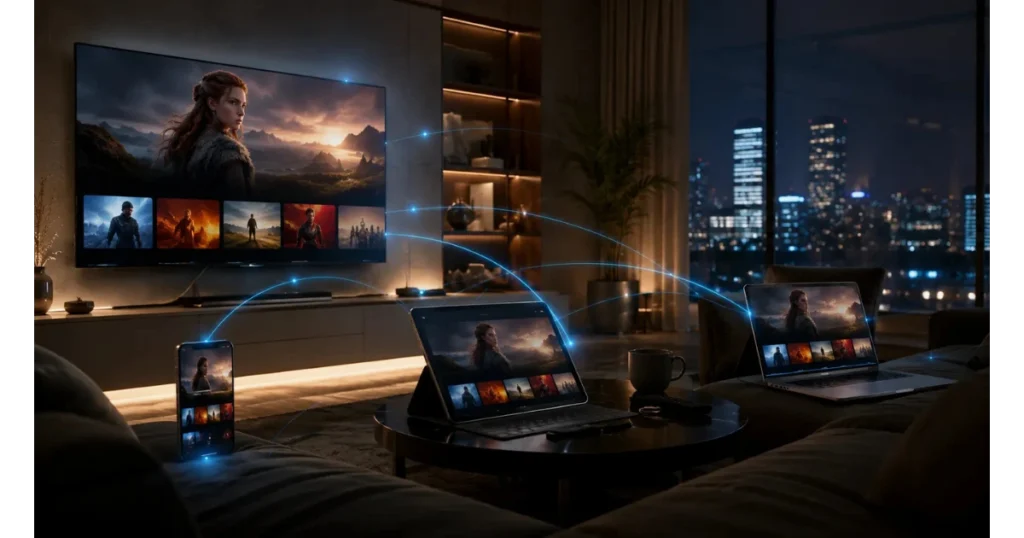
Amazon FireStick & Fire TV
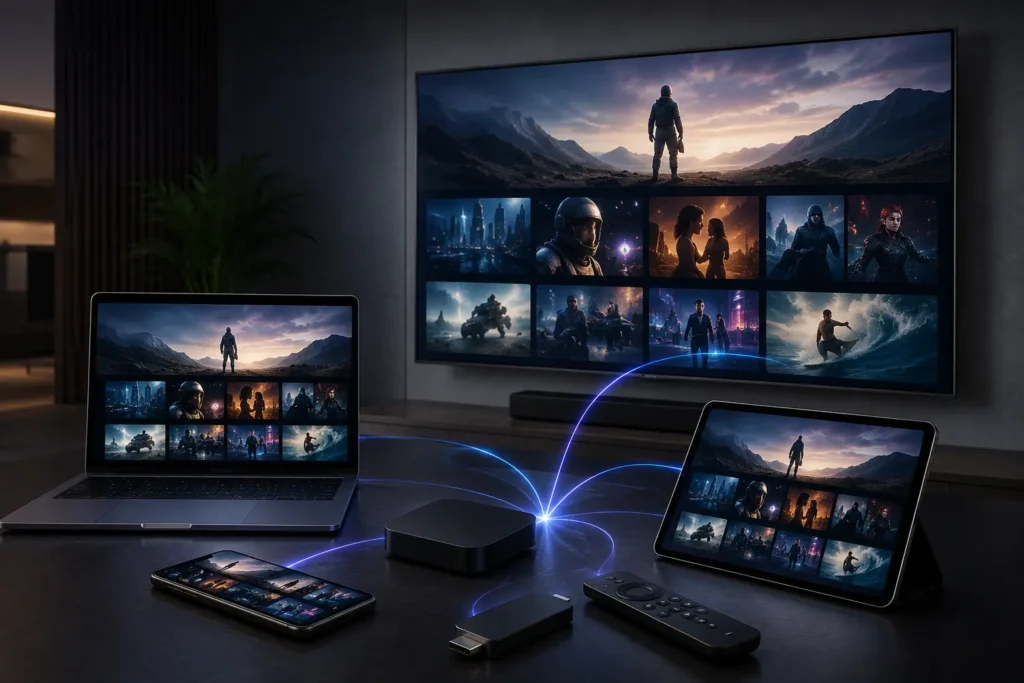
The Amazon FireStick is one of the most popular IPTV devices in Australia, and for good reason. It is affordable, portable, and turns any television with an HDMI port into a fully capable streaming device in minutes.
To get started, install IPTV Smarters Pro or TiviMate directly from the Amazon Appstore. Enter your subscription credentials and your complete channel list — including live sports, movies, series, and the full EPG guide — loads immediately.
FireStick supports HD and Full HD streaming out of the box. The Fire TV Stick 4K and Fire TV Cube extend this to 4K Ultra HD for subscribers on a fast broadband connection. Compact enough to take anywhere, FireStick is the go-to device for Australians who want IPTV without the complexity.
Smart TVs
Samsung, LG, Sony, Android TV & Google TV
Modern Smart TVs are fully compatible with Australian IPTV and offer the most seamless big-screen experience available. Whether your television runs Samsung’s Tizen platform, LG’s webOS, Android TV, or the newer Google TV interface, there is a straightforward path to getting your subscription running directly on the TV itself.
Samsung and LG televisions from recent model years support IPTV apps through their built-in app stores. Android TV and Google TV devices — including Sony Bravia, TCL, Hisense, and Philips models — access IPTV apps directly through the Google Play Store, making installation identical to any other app download.
For older Smart TV models that do not support app installations natively, simply plug in an Amazon FireStick or Chromecast and the experience is identical. Our support team can advise on the best setup method for your specific television model.
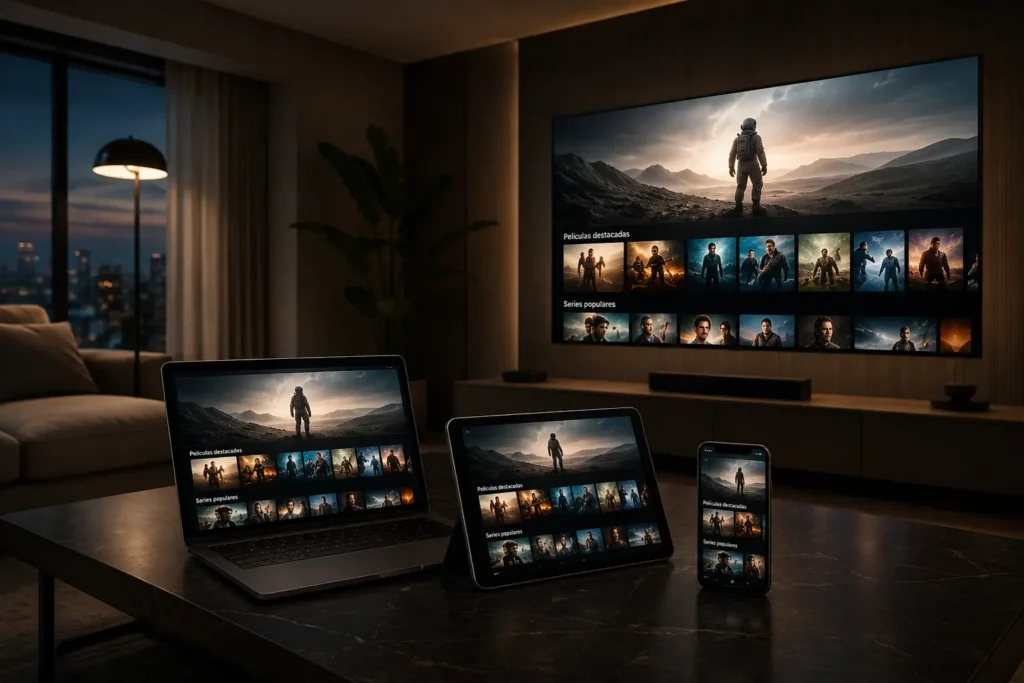
Android Devices
Android Phones, Tablets & TV Boxes
Android is the most widely supported platform for IPTV globally, and Australian subscribers benefit from the full range of options available on the platform. Android phones and tablets can install IPTV Smarters Pro, TiviMate, or XCIPTV directly from the Google Play Store in seconds.
Android TV boxes — including popular models from Nvidia Shield, Xiaomi, and other manufacturers — offer a dedicated living room streaming experience at an accessible price point. These devices run the full Android TV or Google TV interface, support 4K playback where hardware allows, and connect directly to your television via HDMI.
The combination of wide device availability, straightforward app installation, and strong 4K support makes Android the most flexible ecosystem for IPTV device compatibility in Australia.
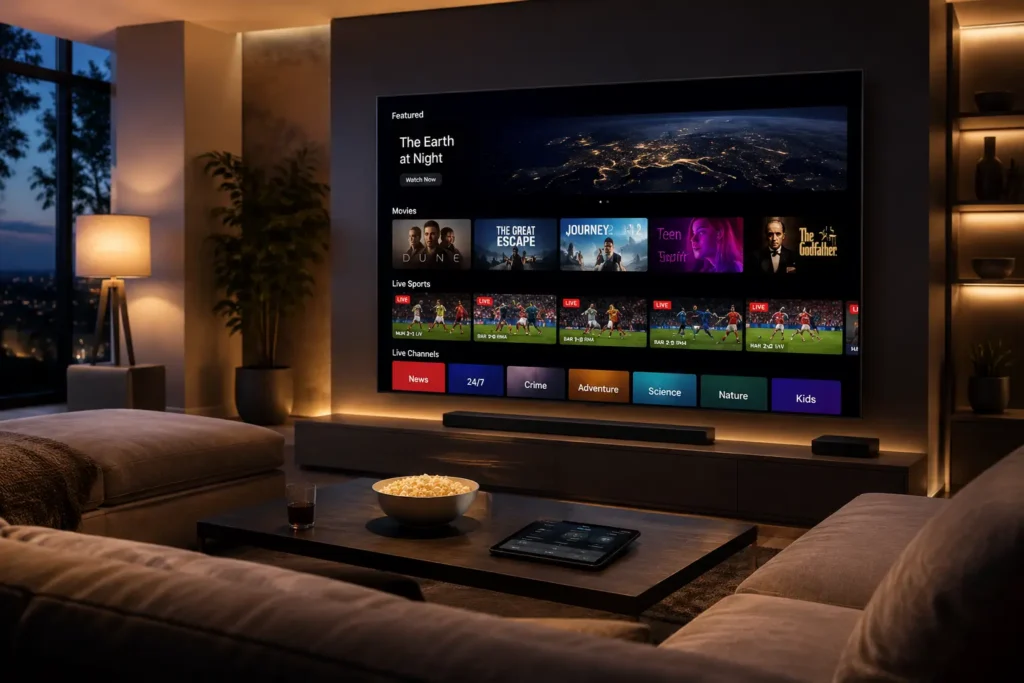
Apple Devices
iPhone, iPad, Apple TV & Mac
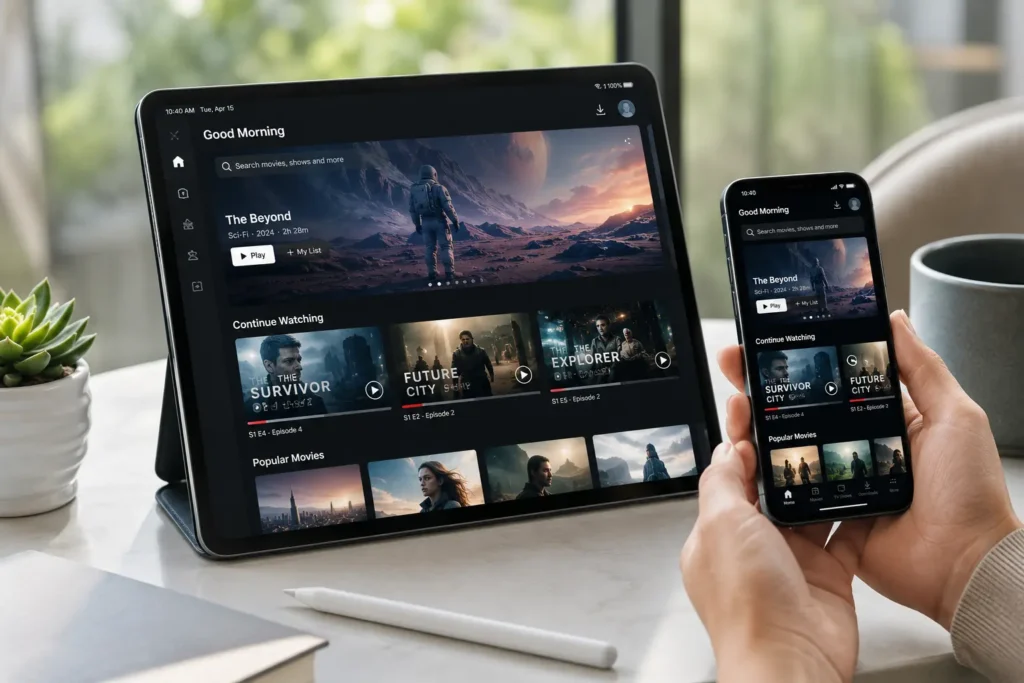
Every major Apple device is fully supported. iPhone and iPad users can install compatible IPTV applications directly from the App Store, including IPTVX and IBO Player, which are specifically optimised for iOS and iPadOS. The experience on a modern iPhone or iPad is sharp, responsive, and reliable on both Wi-Fi and mobile data.
Apple TV — from the 4th generation onwards — supports IPTV apps through the Apple TV App Store. The combination of Apple TV’s processing power and the tvOS interface makes it one of the premium options for big-screen IPTV in Australia, particularly for subscribers who prefer the Apple ecosystem across all their devices.
Mac computers are also supported through both dedicated desktop IPTV applications and web-based streaming options, making it straightforward to watch on a laptop or desktop without any additional hardware.
MAG & Formuler Devices
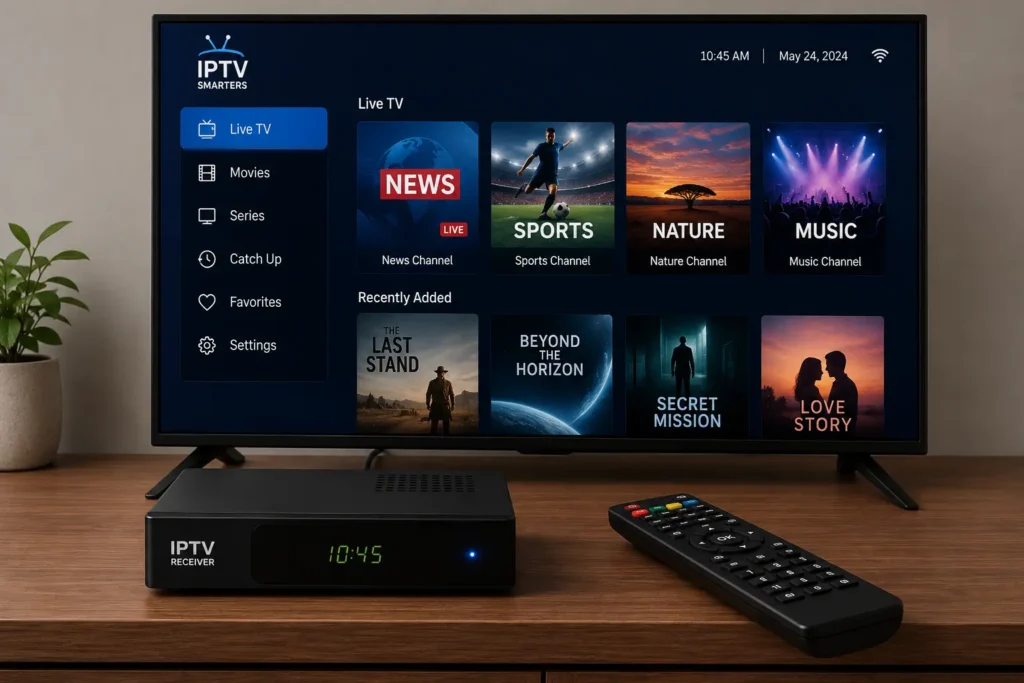
MAG boxes and Formuler devices are purpose-built IPTV hardware designed specifically for reliable, high-quality streaming. If you want a dedicated living room IPTV experience without a general-purpose streaming stick, these are the preferred choice among serious IPTV users.
MAG boxes from Infomir — including the MAG 520, MAG 522, and MAG 524 — run a dedicated IPTV operating system and connect to your subscription via the Xtream Codes portal or a direct IPTV portal URL. Setup is clean, the interface is purpose-designed for channel navigation, and performance is consistently strong.
Formuler devices, including the Formuler Z10 Pro and Z8, run Android and include the proprietary myTVOnline player pre-installed. They offer a polished IPTV interface, strong 4K support, and the flexibility to install additional apps from the Google Play Store.
IPTV Smarters Pro
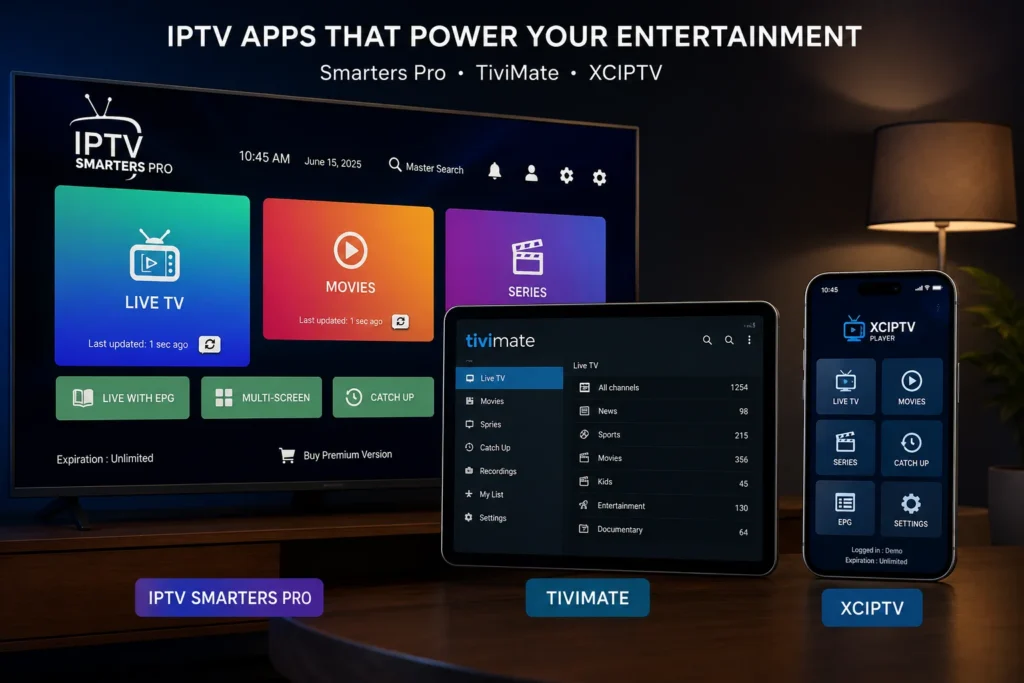
One of the most widely used IPTV applications globally. Available on Android, iOS, Amazon FireStick, and Windows. Clean interface, full EPG support, and straightforward Xtream Codes login. The go-to recommendation for most new subscribers.
TiviMate
Widely regarded as the best IPTV player available for Android TV and FireStick. A polished, television-native interface with excellent EPG integration, catch-up support, and a smooth channel browsing experience. The preferred choice for serious IPTV users in Australia.
XCIPTV
A modern, well-designed IPTV player for Android devices. Strong performance, a clean user interface, and reliable Xtream Codes compatibility. A popular alternative to IPTV Smarters for Android phone and tablet users.
IPTVX
Designed specifically for Apple devices including iPhone, iPad, and Apple TV. Offers a native iOS and tvOS experience with a clean interface and full EPG functionality. The recommended choice for subscribers in the Apple ecosystem.
IBO Player
A versatile multi-platform player available on Android, iOS, Smart TVs, and web browsers. Offers a straightforward setup process and a clean viewing interface suitable for all experience levels.
VLC Media Player
Available on Windows, Mac, Linux, iOS, and Android. While not an IPTV-dedicated application, VLC supports M3U playlist playback reliably and is a practical option for computer-based viewing without installing additional software.
Every application listed above supports Xtream Codes login, meaning setup across all of them follows the same simple process — enter your server address, username, and password, and your channels load automatically.
Start Watching on Your Favourite Device Today
Your subscription works on the devices you already own. No new hardware, no installation appointments, and no technical expertise required. Choose your preferred screen, follow the simple four-step setup process, and start watching Australian IPTV within minutes.
Live sports, movies, kids content, international channels, and 20,000+ live TV channels — all ready and waiting across every compatible device in your home.